 DataOS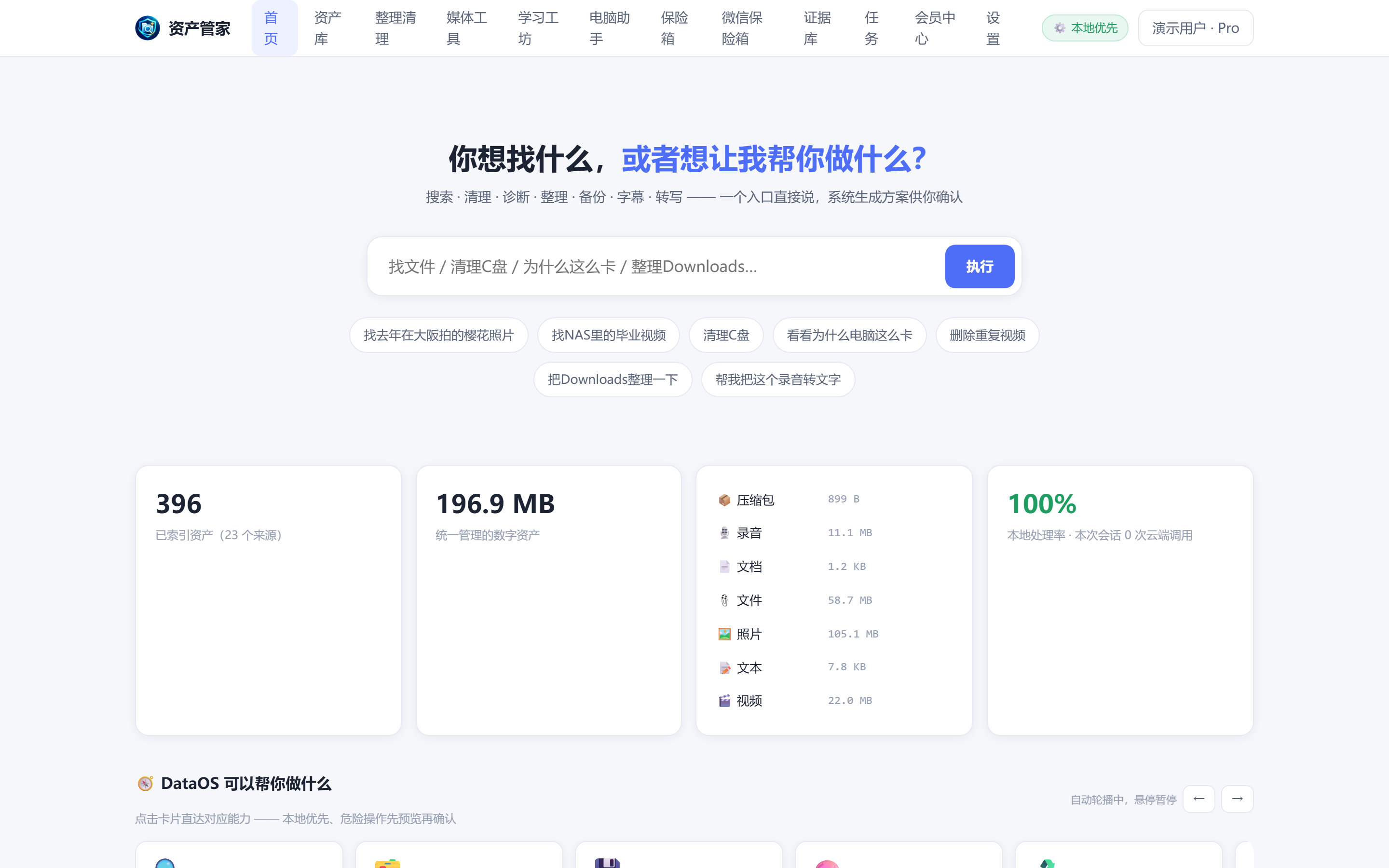
Search Everything
The file is on your disk, but you just can't find it
Natural-language search across all drives: filter by content, time and type
See details →AI-powered personal data manager · and your PC problem assistant
Manages your phone, PC, drives, NAS, WebDAV and personal media · Processed locally — your data never leaves your device
Windows / Android available · macOS & iOS in development · Phones & tablets work without a PC · Runs locally · No data uploads
Search · Media · AI Learning · PC Assistant · Backup — one local-first manager
The file is on your disk, but you just can't find it
Natural-language search across all drives: filter by content, time and type
See details →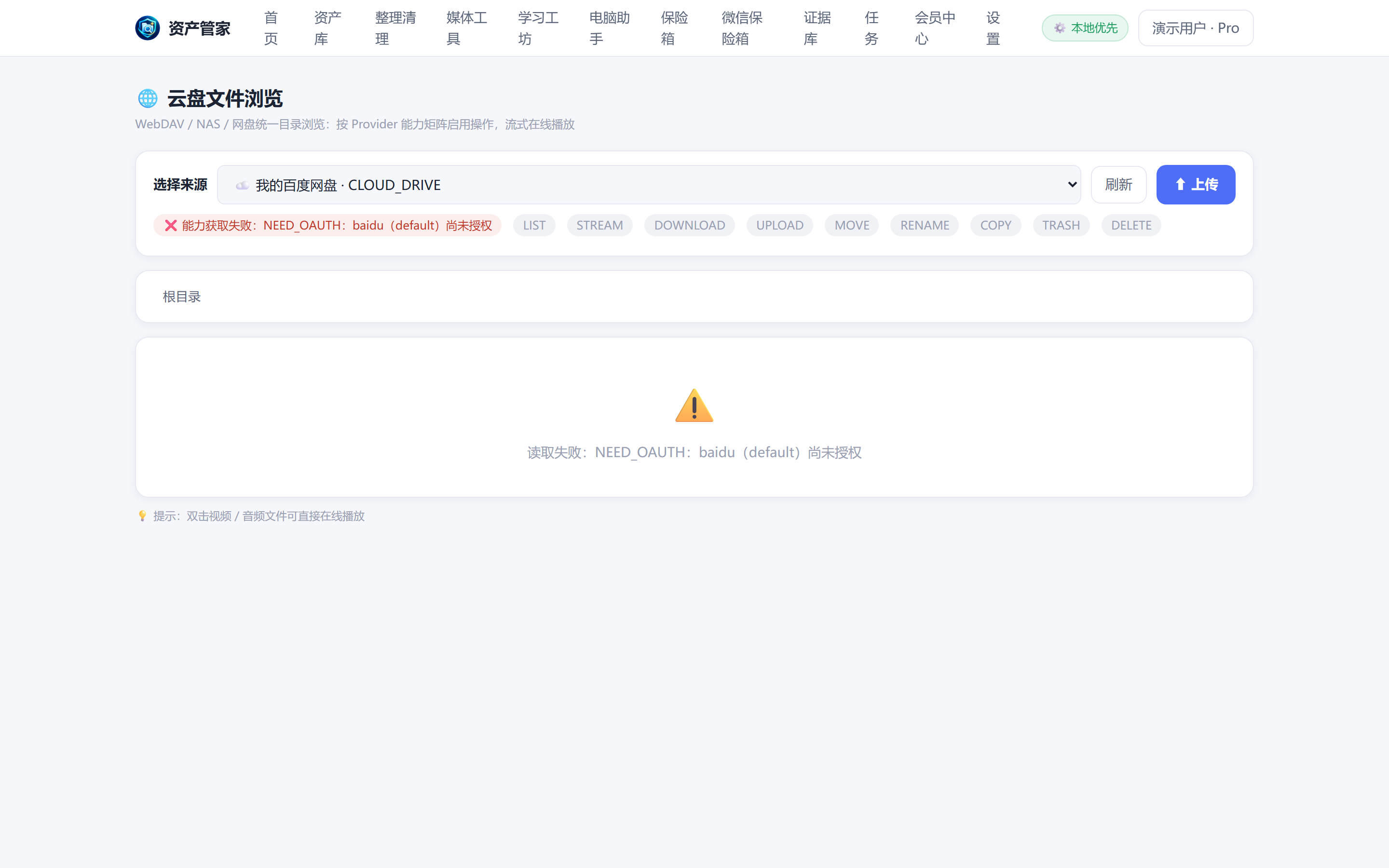
Your cloud files are locked inside each vendor's own client
Browse WebDAV / NAS / cloud drives in one place, operations gated by real capability
See details →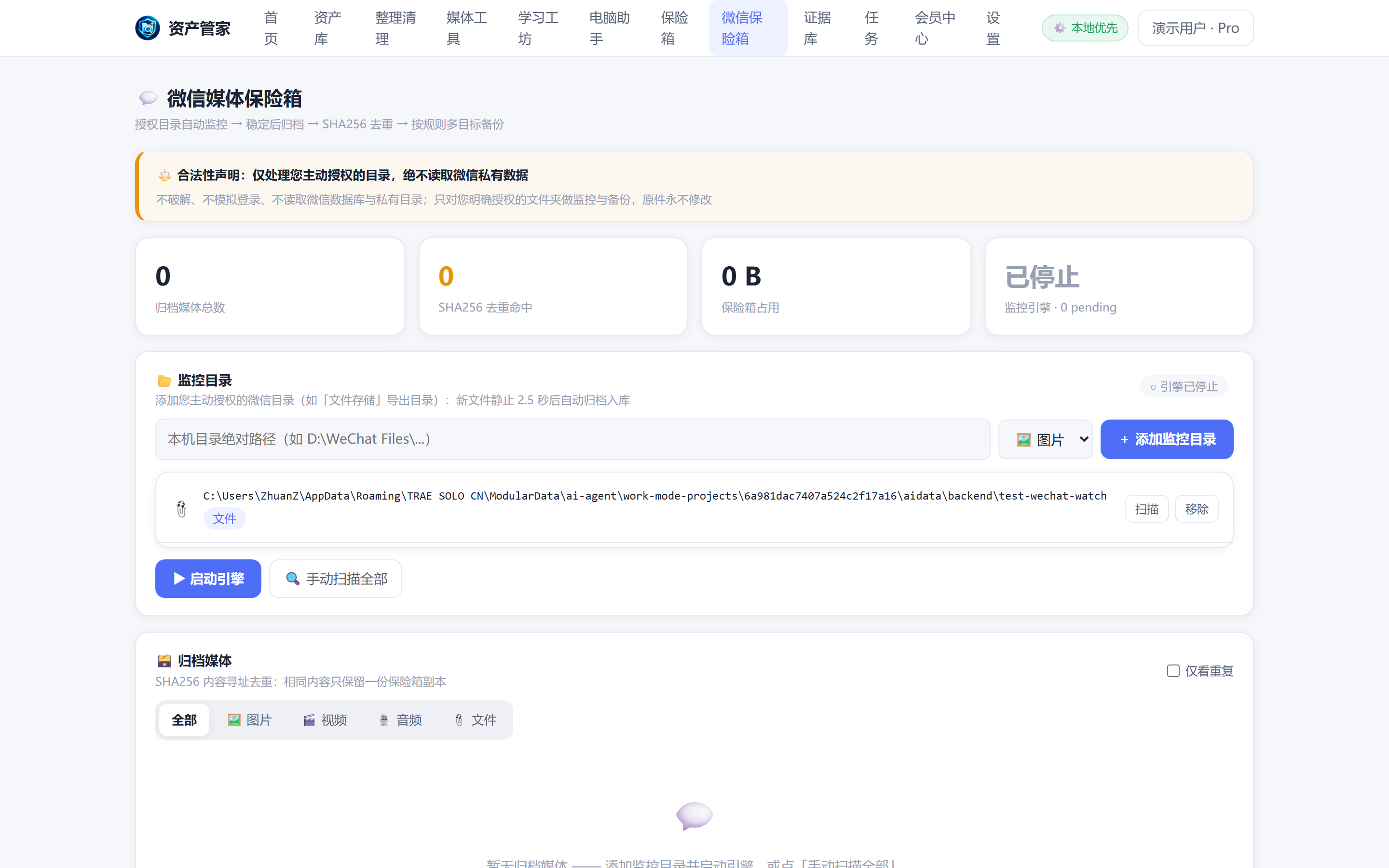
Important files in WeChat expire before you think to save them
Archives photos, videos, docs and audio you saved, shared or authorized — deduplicated and backed up to multiple targets
See details →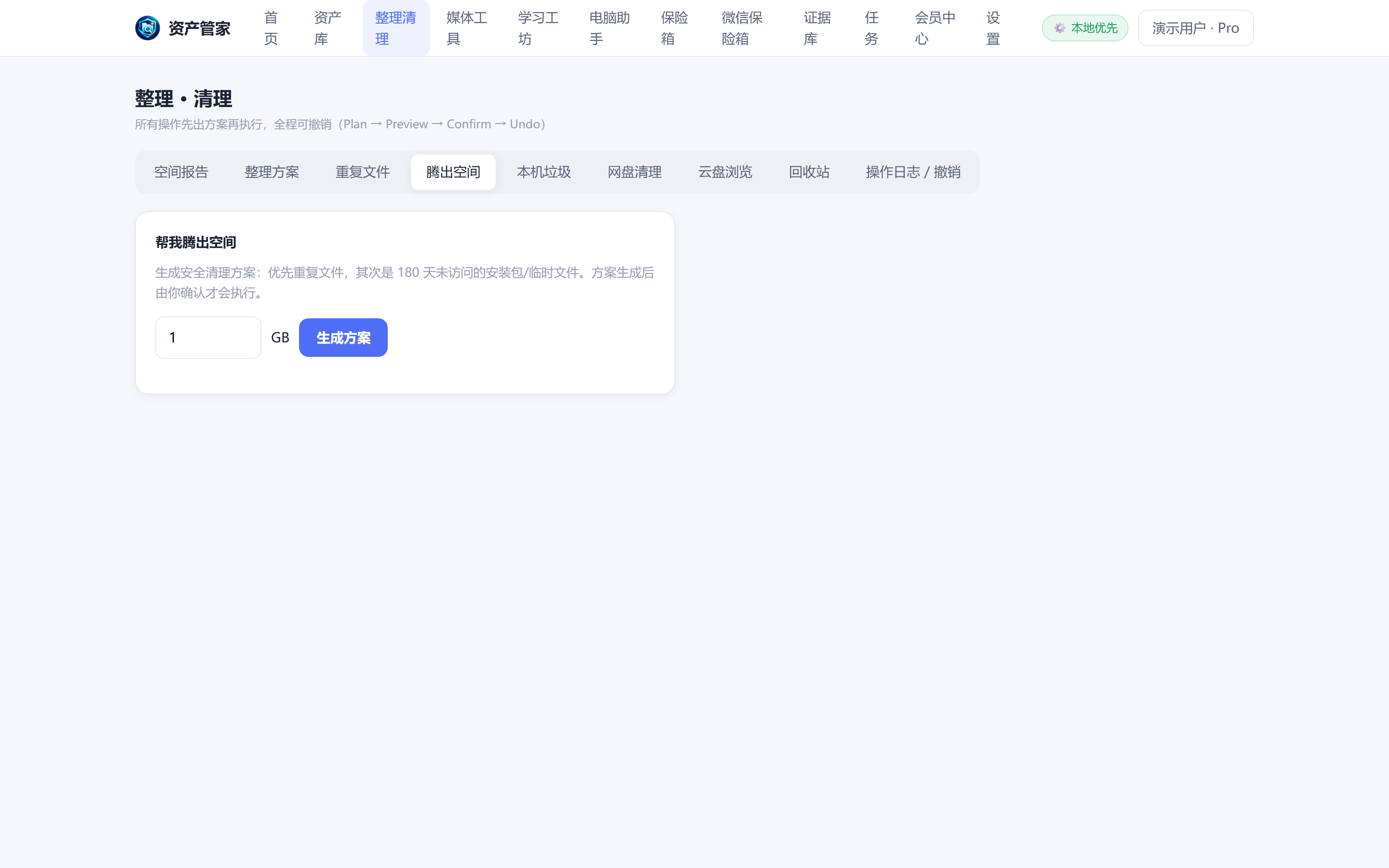
Disk is full, but blind cleanup might delete what matters
Generates a space-recovery plan you confirm item by item
See details →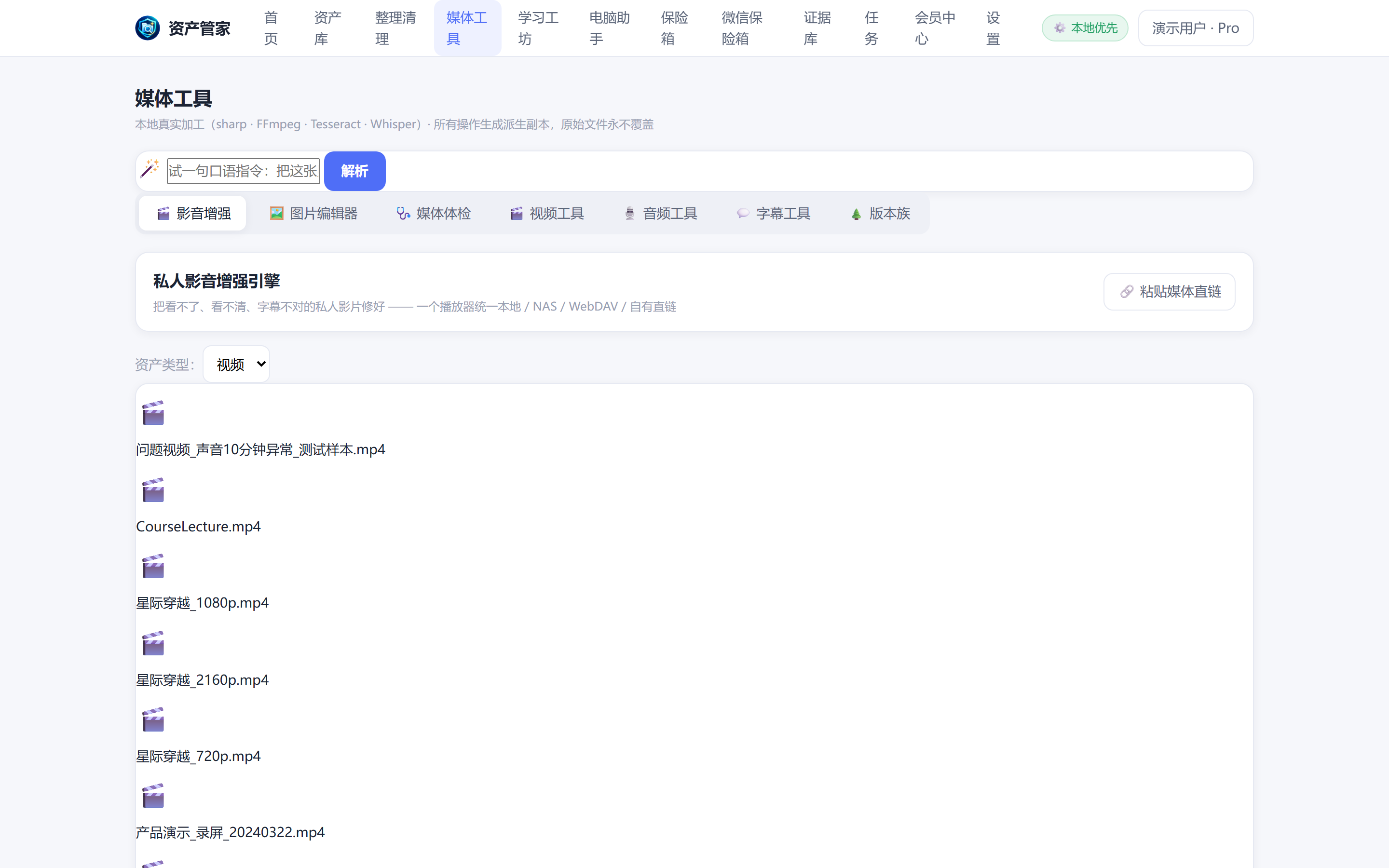
Videos fail to play on some devices, subtitles and tracks get lost
One player for video and audio, with resume-where-you-left-off
See details →
Typing subtitles by hand takes a whole day
On-device speech recognition generates subtitles, with bilingual output and timeline repair
See details →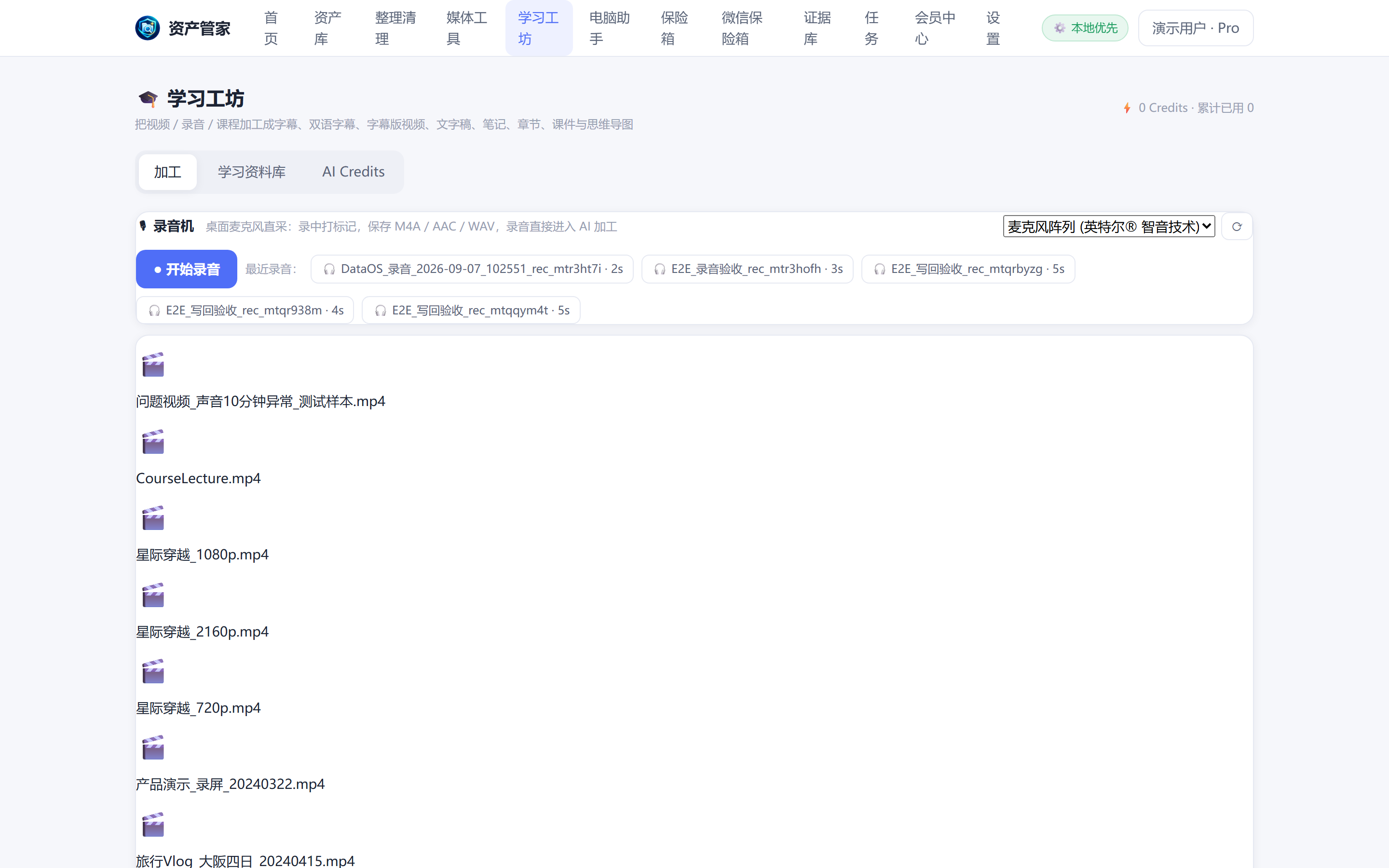
You watch a course, forget it, and never have time to take notes
Turns videos and recordings into subtitles, notes, chapters and courseware
See details →
You record the meeting, then spend an hour typing it up
One-tap quick recording with SHA-256 straight into the Evidence Vault; the desktop edition adds in-recording markers and AI processing
See details →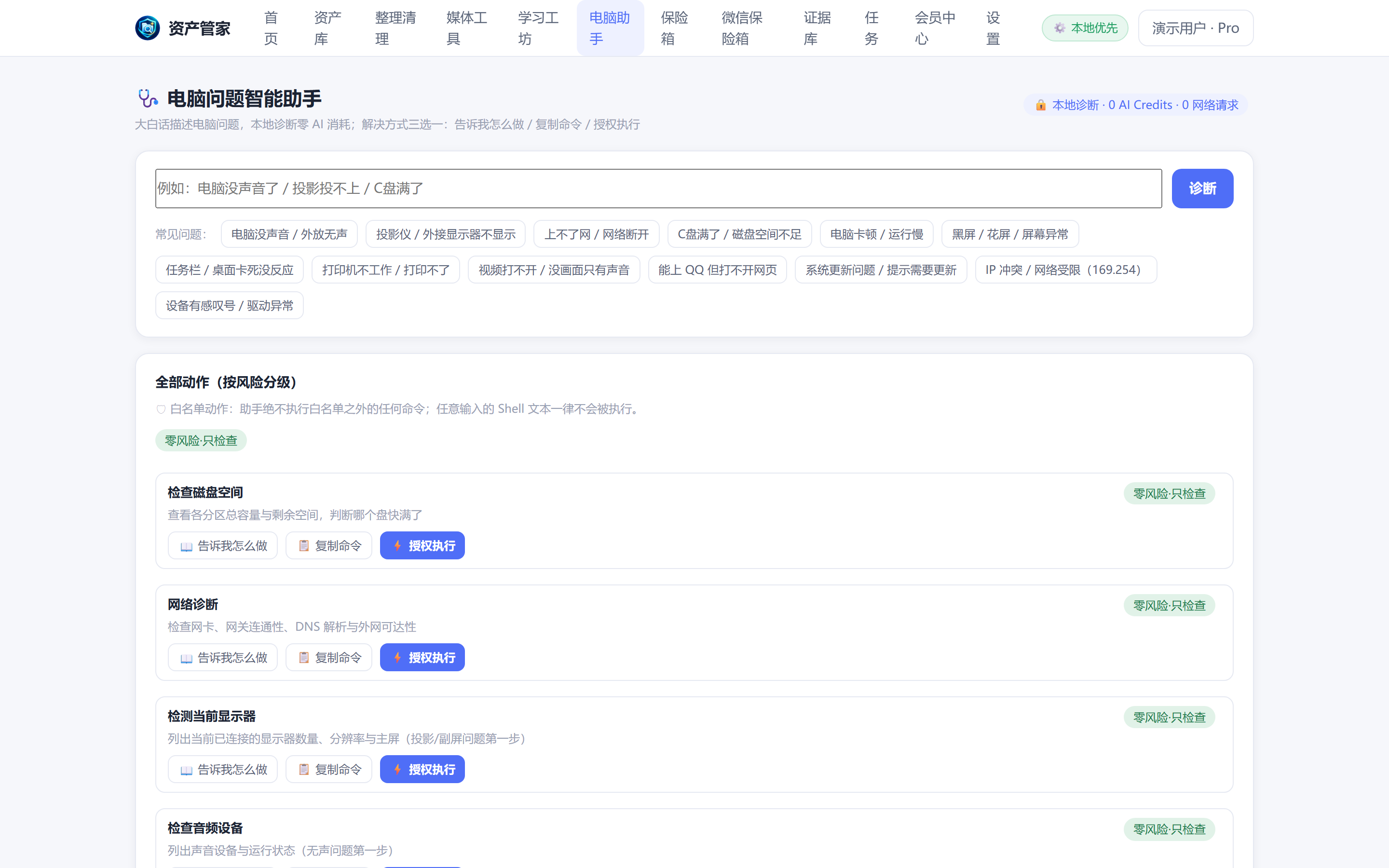
PC slows down or bluescreens and web searches just confuse you
Local knowledge base diagnoses why it's slow and proposes fixes
See details →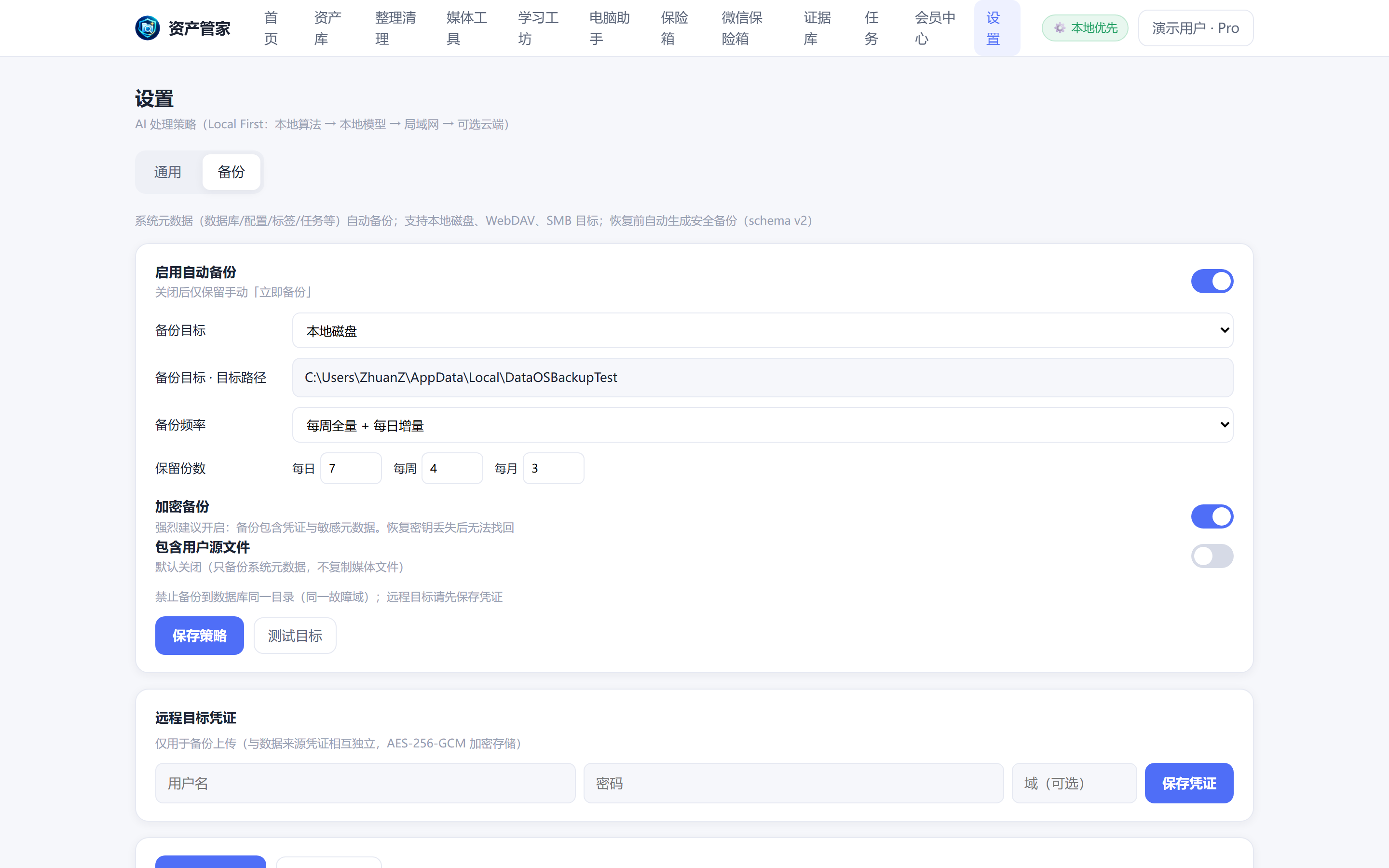
One dead drive and ten years of photos are gone
Local and cloud backup bundles with integrity checks and one-tap restore
See details →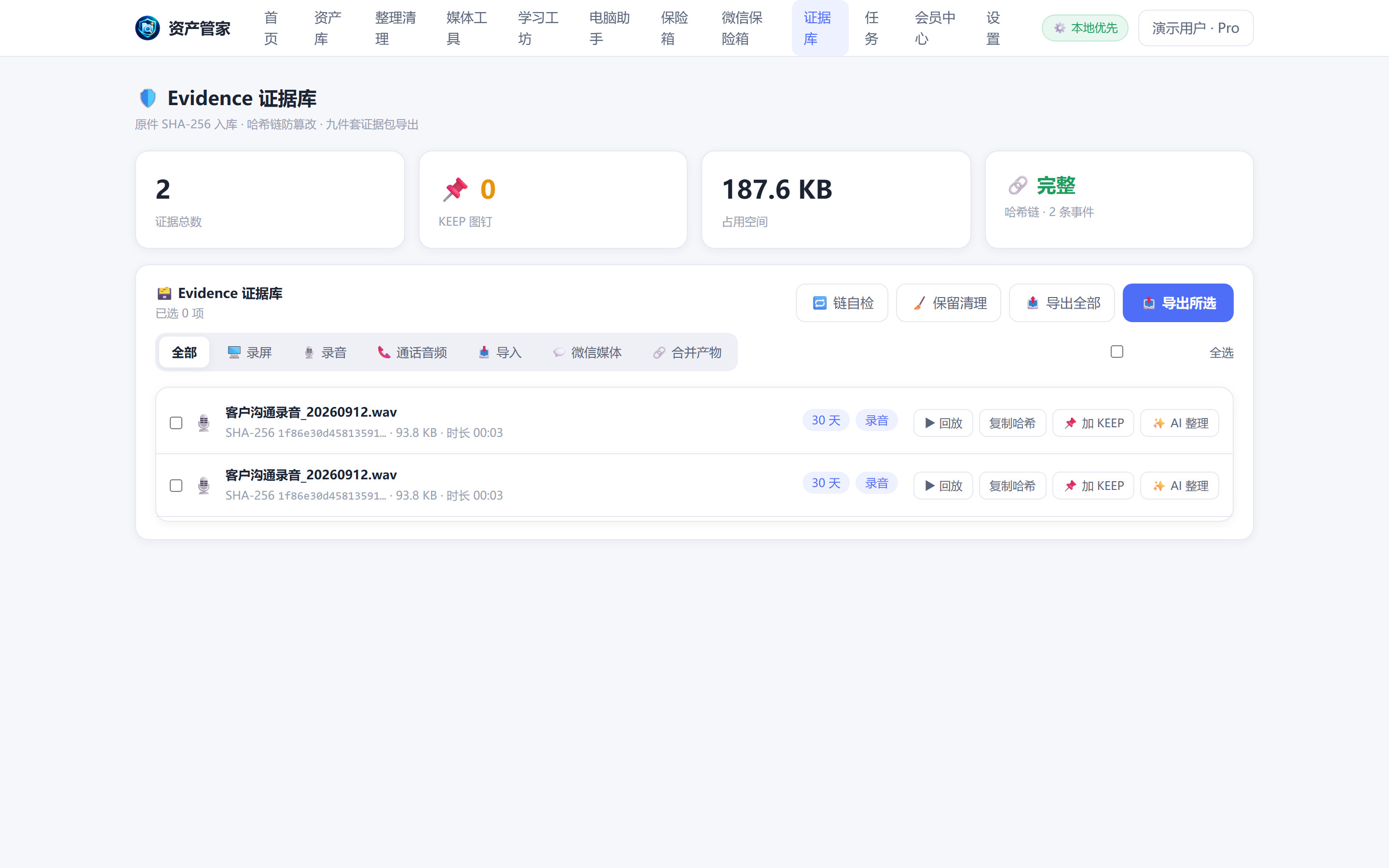
Critical evidence must prove it was never tampered with
Originals with SHA-256, hash chain and a nine-file evidence package export
See details →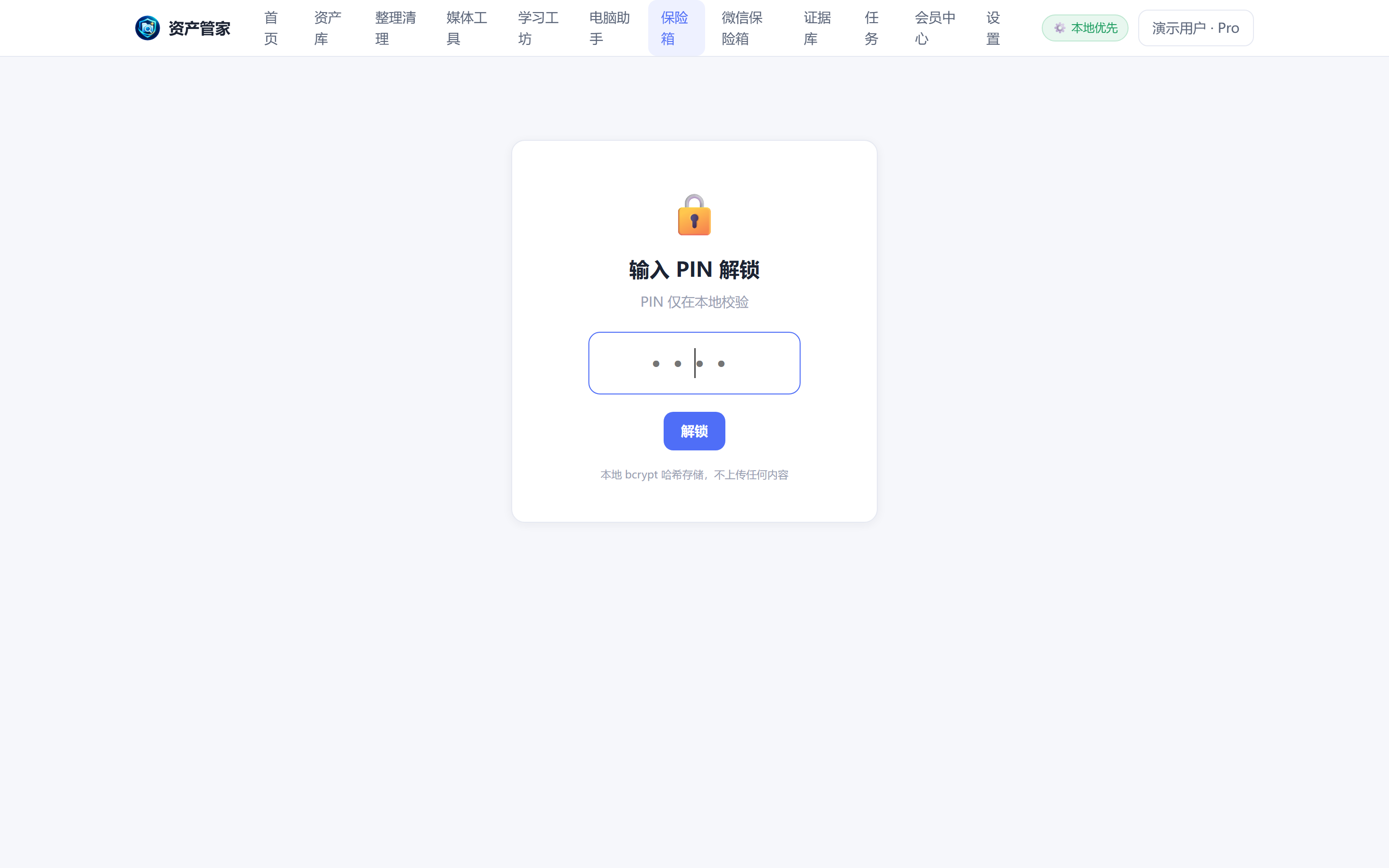
You lend your PC and private files are wide open
Keep important files behind a PIN-encrypted vault
See details →All 32 features, with platform, AI and pricing status per feature
PC assistant: diagnose the cause → tell you how → execute for you once authorized
Simple questions answered by the local rule base at zero AI cost · Admin privileges only elevated for the moment of execution, never resident · Every system change is journaled and traceable
Recording → knowledge: a local-first AI pipeline
Outputs saved to your own storage: PC / NAS (SMB) / WebDAV / writable clouds, always as new files — originals never overwritten · Local transcription engine generates zero AI cost
Every one of these has a detailed fix guide (in Chinese)
Diagnose first, then act: separate "safe to delete" from "never touch".
Local Whisper transcribes at zero cost; meeting minutes and class notes in one click.
Unsupported DTS/AC3/TrueHD tracks are the most common cause — fix in three steps.
Auto-generate subtitles, then translate — one step for foreign-language videos.
You can still find it: by content, by time, by description.
Unified SMB/WebDAV indexing — search your PC and NAS together.
Core software local-first · AI credits on demand, buy what you use
AI provider is your choice (Provider marketplace): local Whisper / DataOS cloud / your own key. Before every task you'll see the provider, model, estimated cost, estimated time and privacy note (whether audio/text is uploaded).
Install DataOS — find files, play media, record knowledge, fix your PC, stay safe